Feedback Pulse
Desktop App
Experience the full power of Feedback Pulse in a native desktop application. Faster performance, native notifications, and a seamless workflow for managing your customer feedback.
macOS 10.13 or later
Intel and Apple Silicon supported
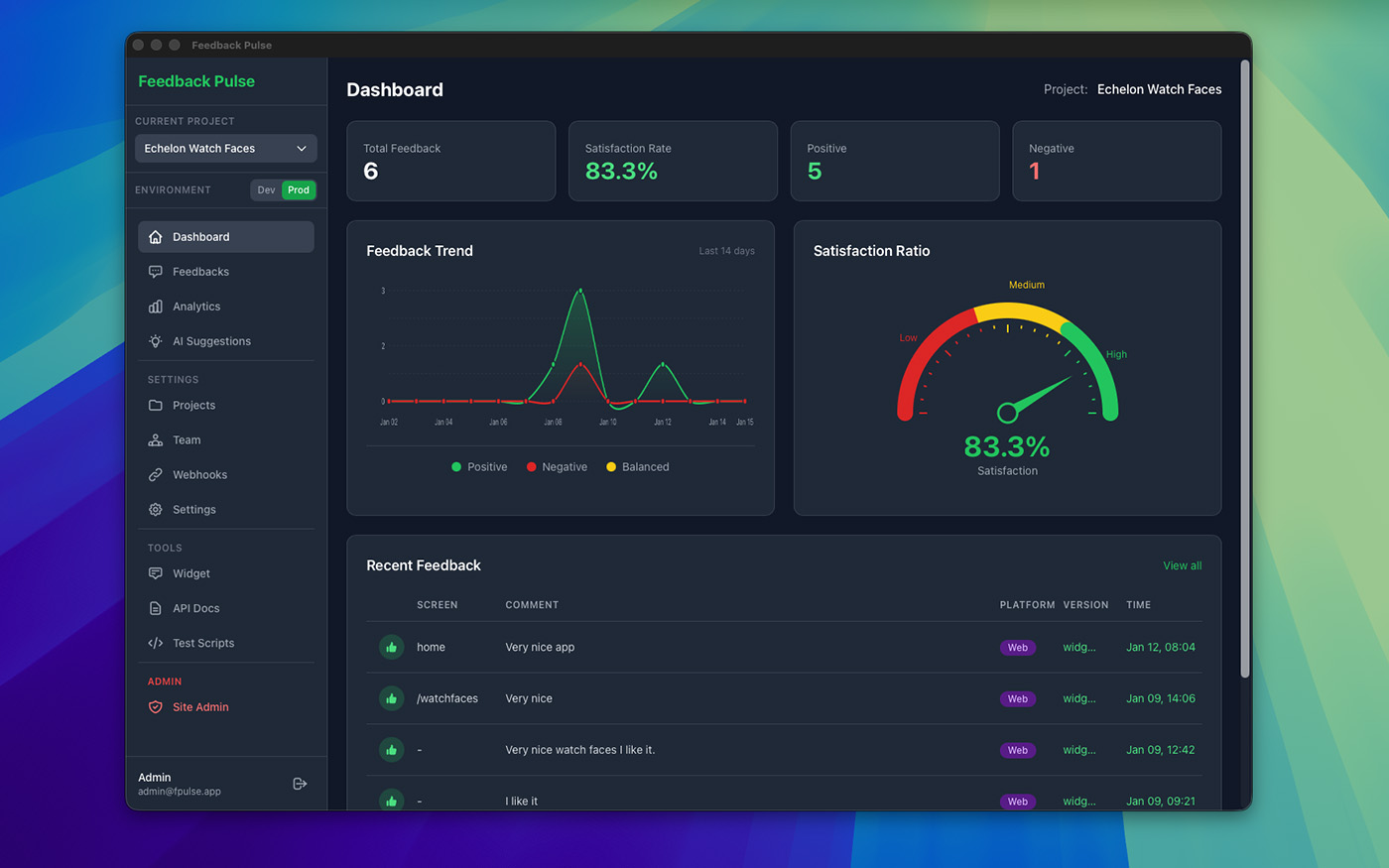
Why use the Desktop App?
Get the best experience with our native macOS application
Lightning Fast
Native performance means instant loading times and smooth interactions. No browser overhead slowing you down.
Native Notifications
Get notified instantly when new feedback arrives. Native macOS notifications keep you in the loop without interrupting your flow.
Secure Authentication
Passkey support for passwordless login. Your credentials stay secure with native system keychain integration.
Dedicated Workspace
Keep feedback management separate from your browser tabs. A dedicated app window for focused work.
Auto Updates
Always have the latest features and improvements. The app keeps itself up to date automatically.
Full Dashboard Access
Access all features from the web dashboard. Analytics, team management, integrations - everything in one place.
Easy Installation
Download the app
Click the download button above to get the latest version of Feedback Pulse for Mac.
Unzip and install
Double-click the downloaded zip file to extract, then drag "Feedback Pulse" to your Applications folder.
Sign in
Launch the app and sign in with your Feedback Pulse account. Use email/password or passkey authentication.
System Requirements
- macOS 10.13 (High Sierra) or later
- Intel or Apple Silicon (M1/M2/M3)
- 50 MB free disk space
- Internet connection required
Ready to try the desktop experience?
Download Feedback Pulse for Mac and manage your customer feedback more efficiently.
Need an account? Sign up free - no credit card required